
Start here 1
Reduce a passive network
Find equivalent resistance, capacitance, or inductance before calculating current, energy, timing, or resonance.
Open RLC network calculator
Equivalent RLC networks, reactance, resonance, RC and LR settling, capacitor discharge, and 555 timing.
Calculator navigation: Choose the right calculator, follow common design paths, and open supporting pages when the calculation needs engineering context.
Start here
Start with the physical behaviour you need to check, then follow the related calculator or workflow.
Find equivalent resistance, capacitance, or inductance before calculating current, energy, timing, or resonance.
Open RLC network calculator
Calculate capacitive reactance, inductive reactance, LC resonance, and series RLC impedance context.
Open reactance calculator
Use RC or LR time constants for charging, current rise, delays, and settling estimates.
Open RC time constant
Calculate astable frequency and duty cycle or monostable pulse width from timing components.
Open 555 timer calculator
Calculators
These calculators cover passive-network reduction, reactance, resonance, first-order settling, discharge, and 555 timing.

Calculate tolerance-aware equivalent resistor, capacitor, or inductor values for ideal series and parallel networks, with resistor current and power outputs.
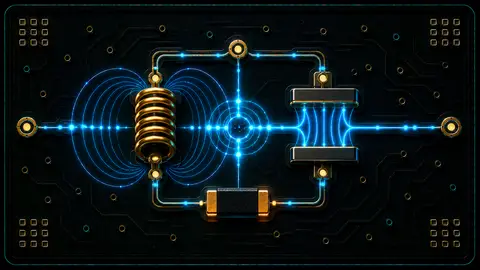
Calculate capacitive reactance, inductive reactance, LC resonant frequency, series RLC impedance, phase, and Q from ideal component values.
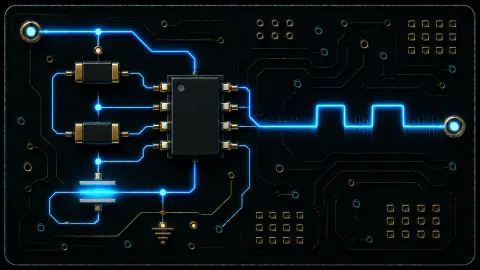
Calculate 555 timer astable frequency, period, duty cycle, and monostable one-shot pulse width with tolerance-aware timing ranges.

Calculate RC time constant and capacitor voltage during charge or discharge with engineering notation support.
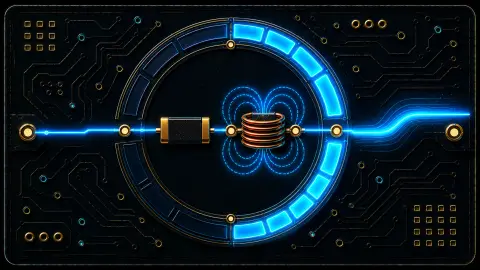
Calculate LR time constant, resistance, inductance, and first-order settling percentages from 1 tau to 5 tau.
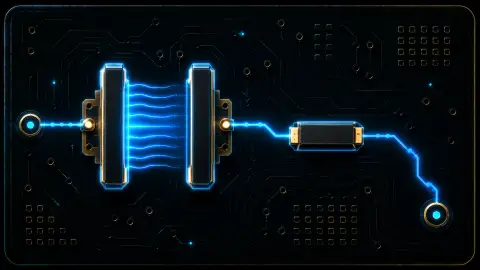
Calculate capacitor discharge voltage, time to threshold, resistance, capacitance, and RC time constant for bleed paths.
Workflows
Use these paths when one numeric result leads directly to another component, energy, filter, or stress check.
Move from time constant into voltage decay and threshold timing.
Check the LR response before reviewing the energy that must be switched or clamped.
Reduce the network first, then evaluate frequency-dependent behaviour.
Questions
Use these answers to choose between time-domain, frequency-domain, and stored-energy workflows.
RC, LR, RLC, and 555 timing results depend directly on resistor, capacitor, and inductor values. This hub keeps those time-domain and passive-network checks together while filter design remains in the filters and analogue circuits hub.
Stored-energy calculations are in the power supply and energy hub because their next checks usually involve hold-up, clamps, switching stress, or safety paths.
Use the filters and analogue circuits hub when the design question is cutoff frequency or signal filtering. Use this hub when the main question is charging, settling, delay, discharge, reactance, or resonance.
These calculators use ideal or documented first-order models. Real components and switching circuits still need parasitic, tolerance, saturation, voltage-rating, current-rating, and measurement review.